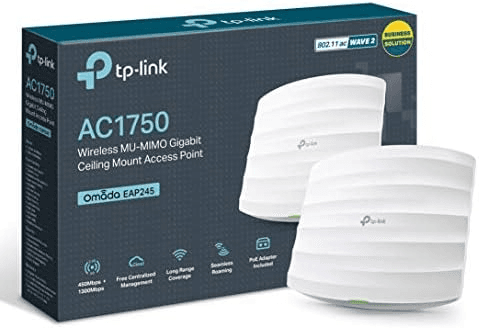
EAP245
4.9
TP-Link Omada

WoteFy
Omada EAP245 — AC1750 ceiling AP
Branded captive portal, mobile-money payments, and full control of your access points — everything you need to run paid guest Wi‑Fi from one dashboard.
Trusted by 50+ hotspot operators across Tanzania
Active resellers
0+
WiFi users
0+
Uptime
0.9%
Payments & network partners




From indoor ceiling APs to outdoor Wi-Fi 6 — WoteFy pairs with the Omada ecosystem your customers already trust.
TP-Link Omada
WoteFy
Omada EAP245 — AC1750 ceiling AP
TP-Link Omada
WoteFy
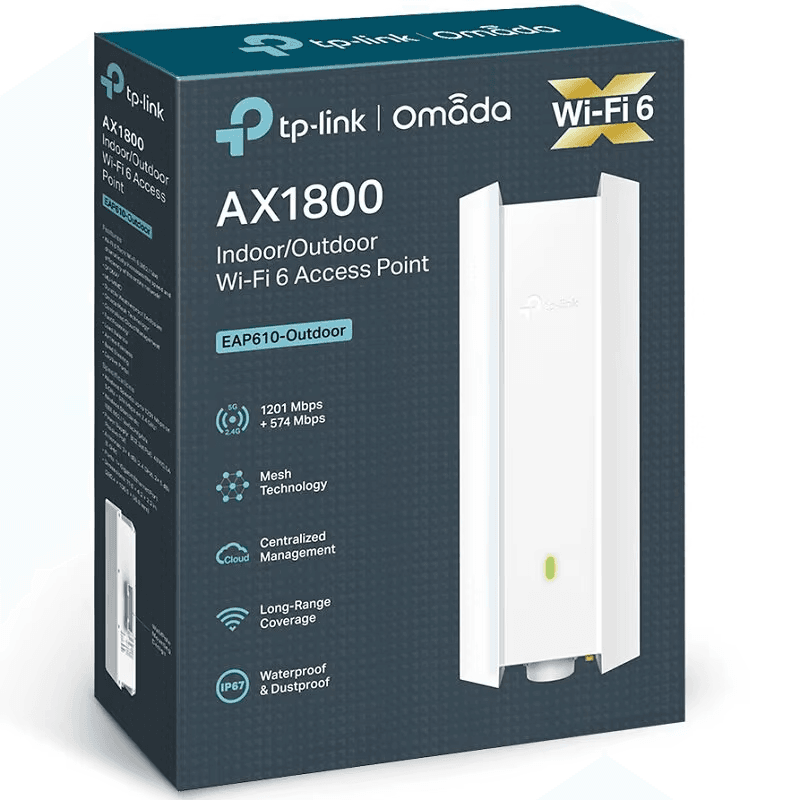
Omada EAP610-Outdoor — AX1800 Wi-Fi 6
TP-Link Omada
WoteFy
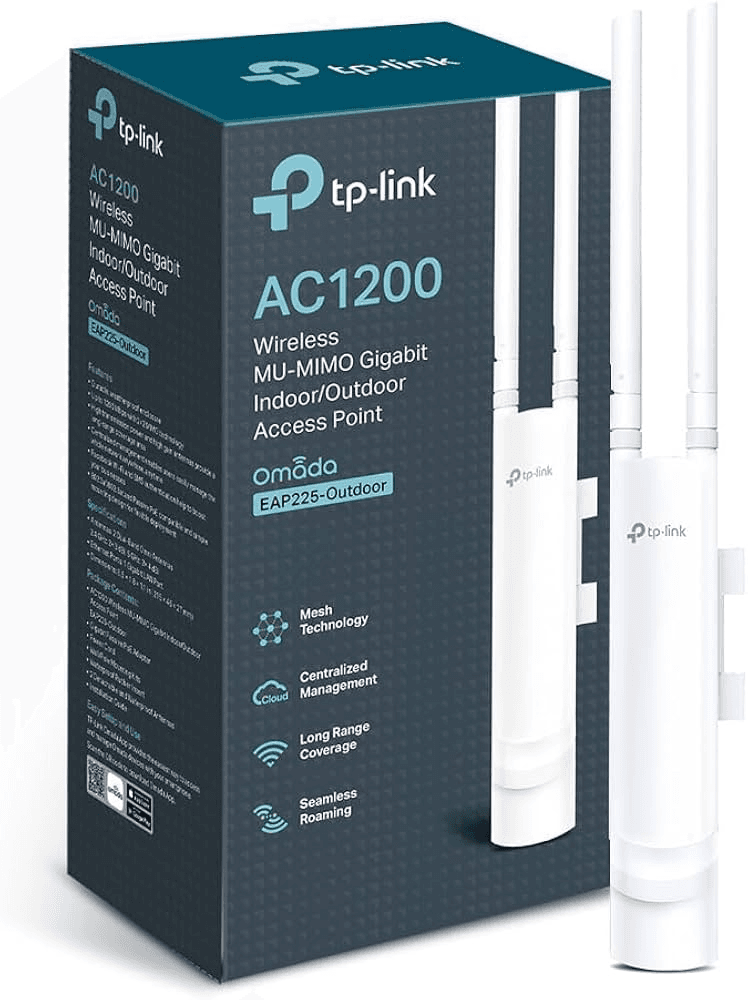
Omada EAP225-Outdoor — AC1200
TP-Link Omada
WoteFy
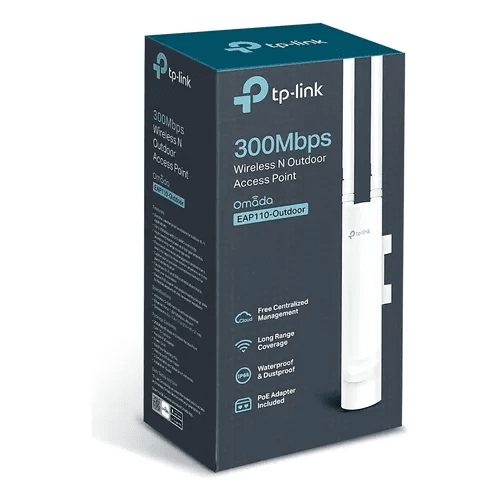
Omada EAP110-Outdoor — 300 Mbps N
TP-Link Omada
WoteFy
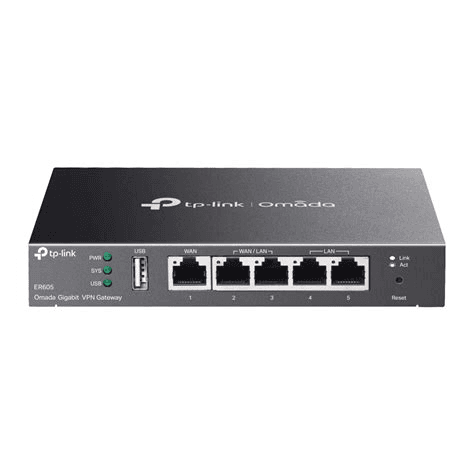
Omada ER605 — Gigabit VPN Gateway
TP-Link Omada
WoteFy
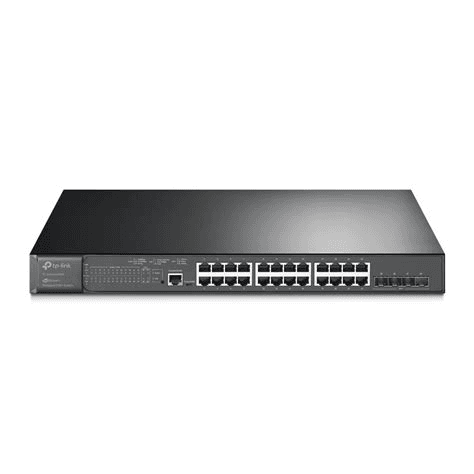
Omada JetStream — Managed PoE Switch
TP-Link Omada
WoteFy
Omada EAP245 — AC1750 ceiling AP
TP-Link Omada
WoteFy
Omada EAP610-Outdoor — AX1800 Wi-Fi 6
TP-Link Omada
WoteFy
Omada EAP225-Outdoor — AC1200
TP-Link Omada
WoteFy
Omada EAP110-Outdoor — 300 Mbps N
TP-Link Omada
WoteFy
Omada ER605 — Gigabit VPN Gateway
TP-Link Omada
WoteFy
Omada JetStream — Managed PoE Switch
Start free, upgrade when you grow. No surprise platform fees on the Starter tier.
Loading plans…
WoteFy works with the full TP-Link Omada SDN ecosystem — Access Points, managed switches, gateways, and optional hardware controllers.
Guest WiFi and captive portal billing run on Omada EAP Series access points. WiFi 6 / 6E models are strongly recommended for busy venues.
Top picks for new deployments
Important
Other TP-Link products (Deco mesh, Archer home routers, TL-WR series, etc.) are not supported. Use Omada EAP Series access points for the best performance and full WoteFy management.
We turn paid WiFi into a simple, secure, profitable line of business.
Stop selling vouchers by hand. Payments, sessions, and expiry run automatically end to end.
See sales as they happen in your dashboard — no more guessing what you earned today.
Connect your Omada controller and manage locations, access points, and live status from one dashboard.
Your logo, colors, and welcome copy — customers see a polished, professional login page.
Request a payout to M-Pesa, Airtel Money, or bank — tracked from request to completion.
Encrypted connections and automatic session control so guest access stays secure and predictable.
The full reseller journey — from registration and plan choice through Omada setup to your first customer payment.
Create your reseller account (name, email, password, company & brand), then pick Starter, Pro, or Enterprise — start with a free trial or pay online on the plan page.
Add locations (sites), adopt access points on your controller, and set up the guest SSID in the dashboard so WoteFy knows your venue.
Create WiFi packages (hourly, daily, weekly…) for guests and brand your captive portal — logo, colors, welcome text, and public portal URL.
From Captive portal, send your location, devices, and notes to our team. We wire up the guest sign-in page on your Omada Wi‑Fi so customers can pay and go online.
Guests connect, pick a package, and pay with M‑Pesa or Airtel Money. Access turns on automatically — you track revenue and request withdrawals from your dashboard.
Billing, branding, operations, and payouts in one product.
Operate many venues from one console — each site keeps its own APs and policies.
Branded splash pages with templates or custom CSS so the experience matches your venue.
M‑Pesa, Airtel Money, cards, and QR — payments confirm automatically so you rarely chase receipts.
Duration, throughput caps, data limits, and concurrent devices — tuned per package.
See who is online, how much data they used, and session quality in near real time.
When a package expires, guest access ends on schedule — no spreadsheets or midnight logouts.
Revenue trends, subscriber growth, popular plans, and CSV exports for accounting.
Request mobile-money or bank payouts with audit-friendly status for every transfer.
“Since switching to WoteFy our WiFi revenue tripled. Guests love the branded portal and M-Pesa checkout is instant.”
“The captive portal makes us look like a serious venue. Hourly plans sell themselves and the platform runs on autopilot.”
“Multi-site management saves hours every week. Fifteen sites in one dashboard and withdrawals land in M-Pesa without drama.”
From splash page to payment to online — exactly what your customers see on their phones.

Welcome! Pick a plan and pay with M-Pesa or Airtel Money.
Checkout via M-Pesa / Airtel Money
Illustrative captive portal — yours will show your brand, your packages, and your payment options.

Join hundreds of resellers who run paid WiFi on Omada without duct-taped spreadsheets. No credit card required to explore Starter.